

Video Conferencing Camera Buying Guide for Modern Offices
When teams are spread across different cities or regularly dial in with clients overseas, getting the audio and video right on every call matters. Hardware plays a major part in how well remote and in-office staff work together, which is why picking the correct Video Conferencing Camera deserves careful thought.
Why Meeting Room Camera Quality Matters
Meeting formats have shifted toward hybrid models. Remote participants need to pick up on natural cues, view presentation boards clearly, and feel included in the room’s discussion.
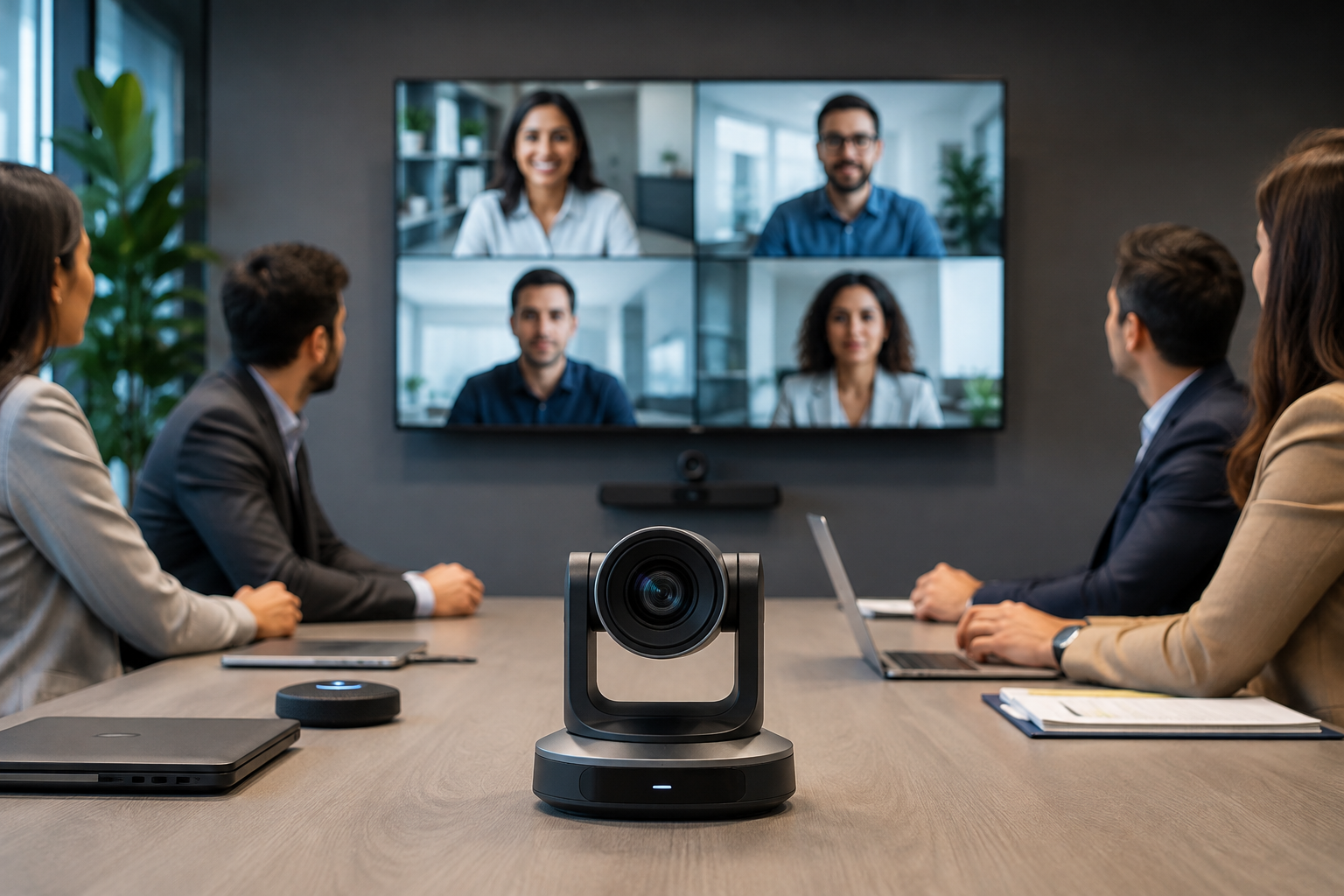
Setting up a functional Video Conference Room Setup avoids issues like pixilation, muffled audio, or laggy feeds. PTZ cameras that feature auto-framing capabilities help keep the focus on whoever is speaking, making remote discussions feel a bit more grounded.
Matching Hardware to Different Office Spaces
Not every room in an office has the same layout or purpose. Different spaces call for specific hardware approaches:
- Boardrooms: A dedicated Video Conferencing System for Boardrooms typically leans toward high optical zoom, clean desk aesthetics, and multi-microphone setups to handle high-level discussions.
- Meeting Rooms: Daily project syncs work best with a practical Video Conferencing System for Meeting Rooms that supports quick plug-and-play use with platforms like Zoom, Microsoft Teams, and Google Meet.
- Corporate Offices: Standardizing across multiple departments requires a scalable Video Conferencing System for Corporate Offices to keep communication consistent across various floors or branch locations.
Setting Up and Integrating Your Hardware
Buying equipment is only step one; proper installation dictates how stable the system will run day-to-day. Working alongside a knowledgeable Video Conferencing Solutions Provider helps make sure network bandwidth can handle continuous high-definition video feeds without dropping packets.
A complete deployment involves proper acoustic adjustments, structural mounting, and professional Video Conferencing System Installation Services. On top of that, handling hardware coordination through reliable Video Conferencing System Integration Services ensures the new cameras work cleanly with existing screens, mics, and control units.
For organizations expanding across regions, sourcing dependable Video Conferencing Solutions in India is much easier when partnering with providers who understand the requirements of a growing Video Conferencing System for Businesses.
Frequently Asked Questions (FAQs)
1. What features actually matter in a corporate camera?
Prioritize reliable optical zoom (usually 12x or higher), 4K support for sharp detail, a wide field of view, and auto-framing or speaker tracking.
2. Why do professional integration services help?
They prevent technical friction by ensuring that your cameras, microphones, and networking protocols communicate properly before important calls take place.
3. Do these cameras work with standard software like Zoom or Teams?
Yes, most enterprise hardware is built to integrate directly with major platforms like Microsoft Teams, Zoom, and Cisco Webex.
If you are planning an office upgrade and want a closer look at hardware options, you can check out what Saipur offers for business setups.
Follow us on: Instagram

